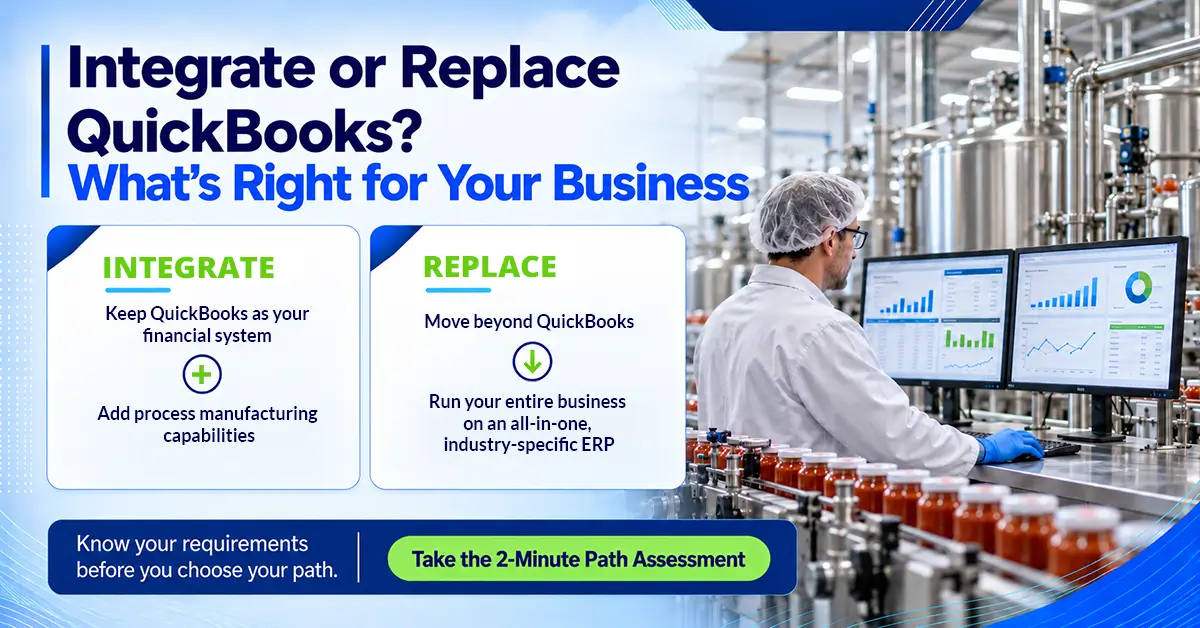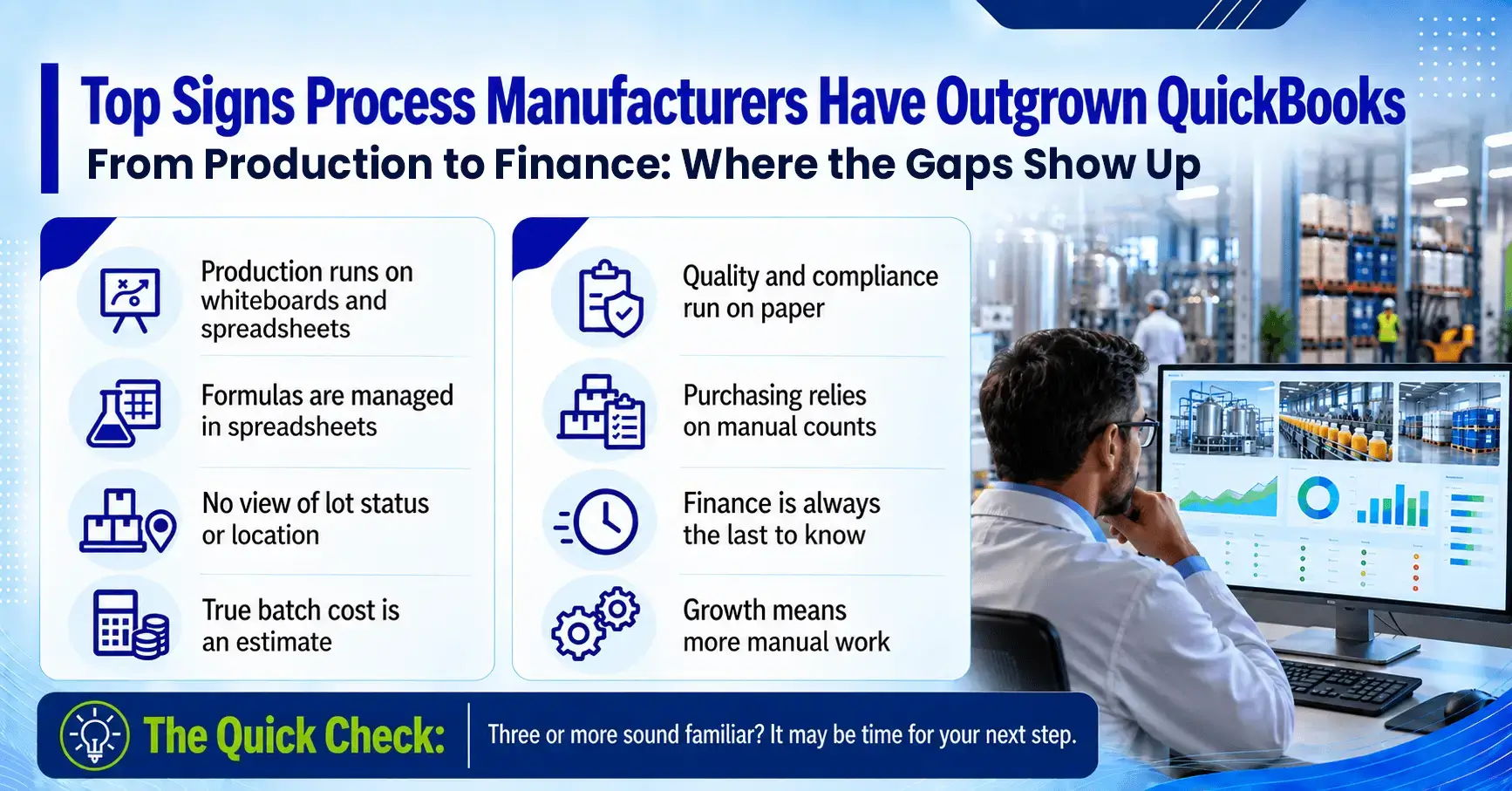
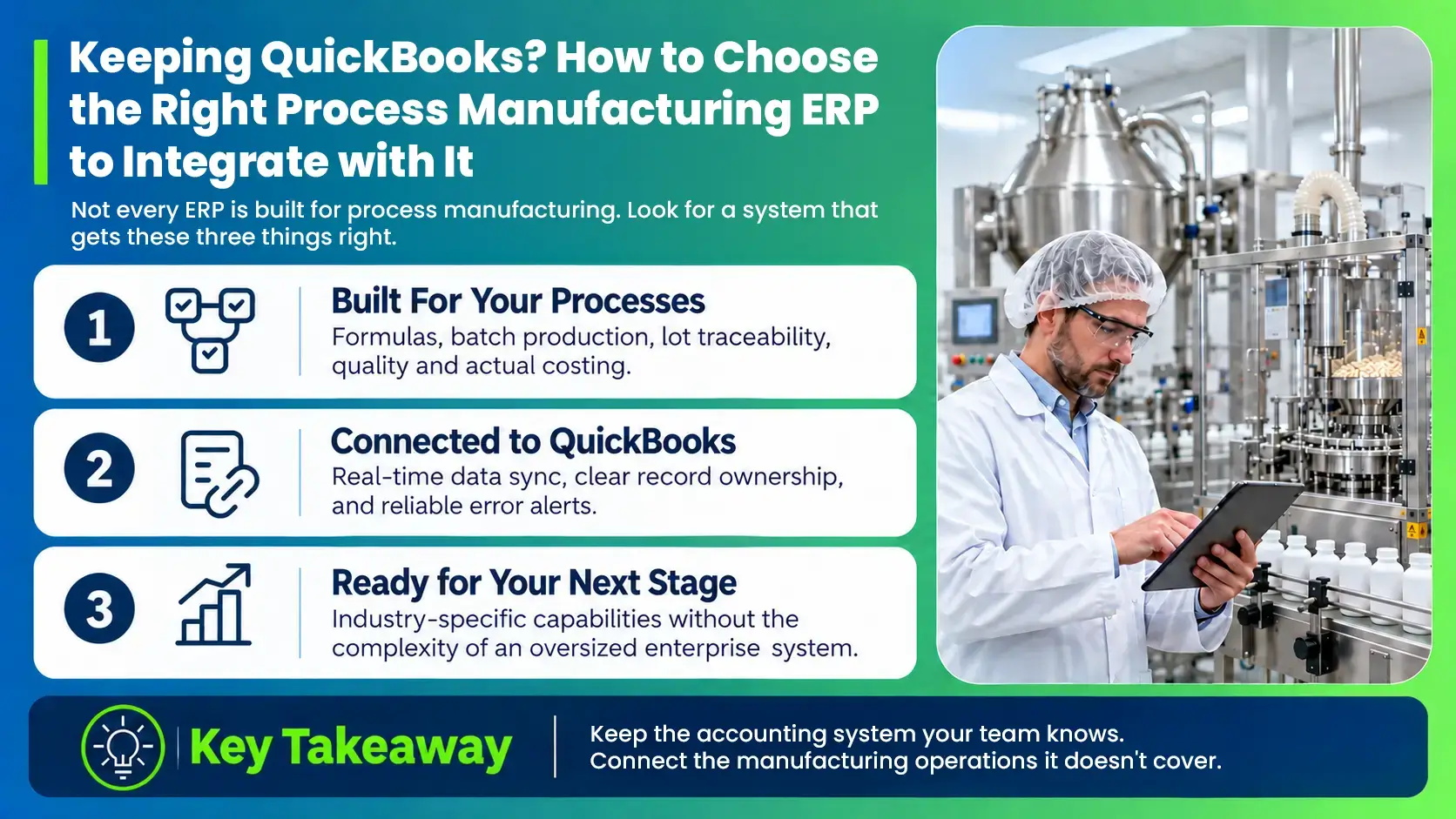
When a process manufacturer outgrows QuickBooks and the spreadsheets and applications built around it, the next step usually comes down to two paths: integrate QuickBooks with a process manufacturing ERP, or replace it with an all-in-one business management suite. Our guide, Outgrowing QuickBooks, walks through the warning signs, and our 2-minute QuickBooks Path Assessment helps you decide which path fits your business.
Haven’t Taken the Assessment Yet?
Answer a few quick questions to see whether integrating or replacing QuickBooks fits your business.
Take the Assessment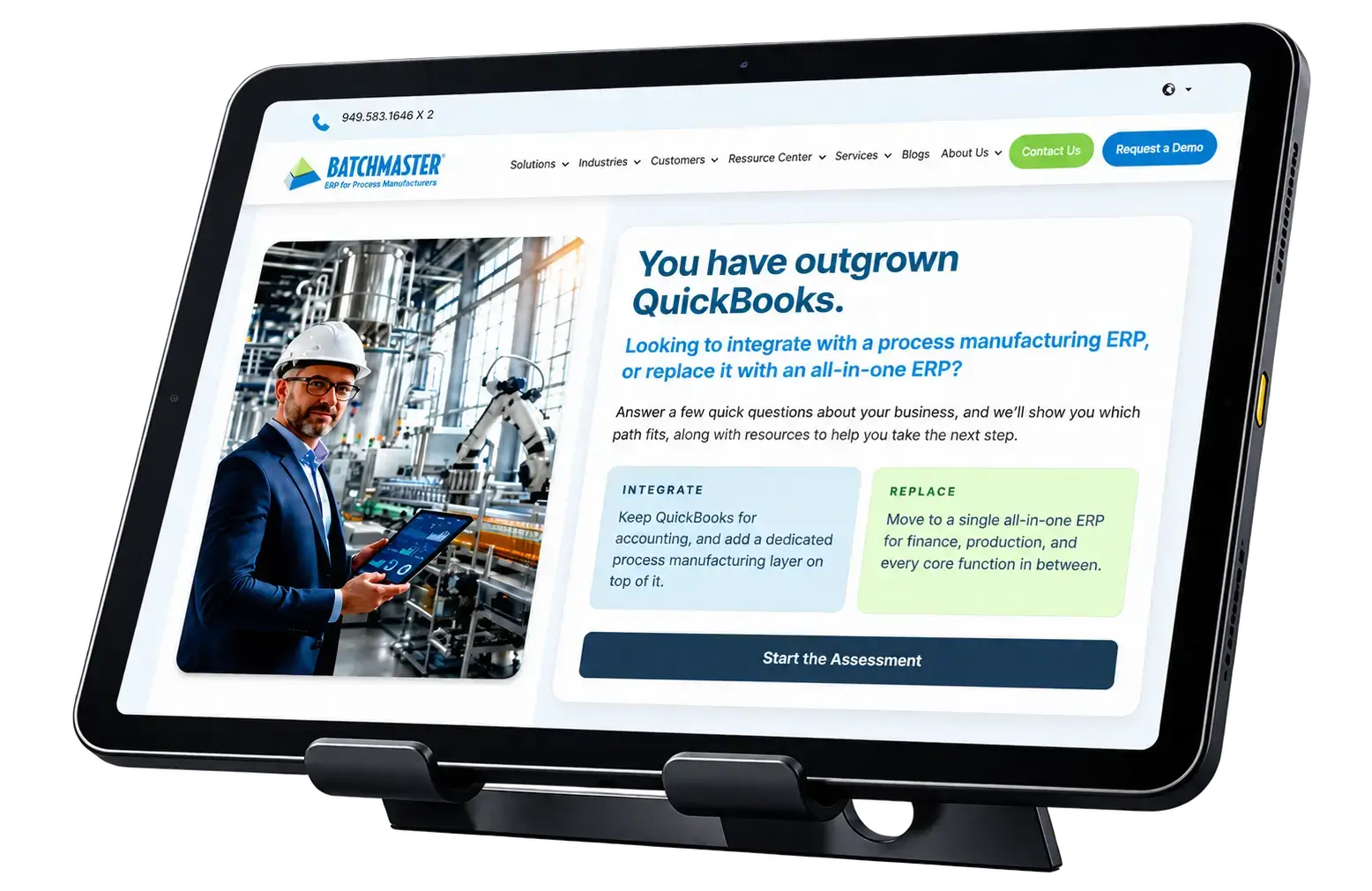
If you’ve decided to keep QuickBooks, chances are your finance team is comfortable using it for accounting and financial management, the books are in good shape, and the real gaps show up on the production floor, in quality and in the warehouse. Keeping QuickBooks for accounting while adding the manufacturing capabilities you’re missing is a practical, lower-disruption path. The harder part is choosing what to connect it to.
Options to Fix QuickBooks Manufacturing Gaps, and Where Each Falls Short
Once you decide to keep QuickBooks, the next question is what to run alongside it, and there are plenty of options. IoT Analytics estimates that 54% of small and mid-sized plants still manage production with some mix of pen, paper and spreadsheets, and hundreds of software vendors are competing to replace them. Most of what process manufacturers evaluate falls into three groups, and each one solves part of the problem.
- A third-party inventory add-on: These tools track receipts, stock movements and shipments, and many sync with QuickBooks. They work well for inventory transactions, but formulas, batch production, quality checks and compliance records stay in spreadsheets and binders. The result is one more system to manage, with most of the original gaps still open.
- A generic or discrete manufacturing ERP: These systems are designed to assemble parts using fixed bills of materials. Process manufacturers work with formulas that scale, ingredients whose potency and yield change from lot to lot, co-products, and shelf lives that decide what ships first. Fitting all of that into a discrete model leads to workarounds, and each workaround adds steps for your team.
- An enterprise ERP built for much larger companies: These systems look impressive on paper, with detailed processes for almost every scenario. For a growing manufacturer, that often means a long implementation, heavy consulting fees and modules that go unused. Many also expect you to move accounting off QuickBooks during the project, which works against the reason you chose this path in the first place.
The right fit sits between these options: a system that connects with QuickBooks in real time, handles the formulas, lots and compliance requirements of your industry, and is sized for how your operation runs today.
Key Problems When the Wrong System Is Connected to QuickBooks
When the system integrated with QuickBooks wasn’t built for how a process plant runs, the gaps it was meant to close usually return within a few months, often in new places. Here are the problems process manufacturers run into most often.
- Double entry and constant reconciliation. When the two systems don’t share data cleanly, someone ends up rekeying orders, receipts and production numbers. A 2025 Parseur and QuestionPro survey found that employees spend more than nine hours a week transferring data by hand between documents, spreadsheets and business systems, at an estimated cost of $28,500 per employee each year.
- Costs that don’t reflect reality. When actual yields, scrap and labor never reach the books, margins are based on standard costs and estimates, and pricing decisions rest on the same numbers.
- Inventory numbers nobody trusts. With overnight or manual syncs, QuickBooks and the warehouse rarely agree, so purchasing relies on physical counts and extra safety stock to avoid running short.
- Lot traces that take days. When lot history is spread across spreadsheets, paper batch records and a separate inventory tool, answering a customer complaint, an audit request or a recall can take days. Regulators, retailers and customers across every process industry expect those answers within hours.
- Compliance work done by hand. COAs, batch records and audit documents get compiled manually ahead of every customer request or inspection.
- More systems to maintain. Every add-on brings its own integration, upgrade schedule and support contact, and each one is another place where data can fall out of sync.
How a Process Manufacturing ERP and QuickBooks Work Together
When QuickBooks is integrated with a process manufacturing ERP, each system takes on a clear role. The ERP runs day-to-day operations, from formulas and production to inventory and quality, while QuickBooks continues to handle accounting and financial reporting. Each record has a single owner, which keeps the two systems in agreement and prevents duplicate or conflicting entries.
| Area | Process Manufacturing ERP Owns | QuickBooks Owns |
|---|---|---|
| Items and setup | Formulas, recipes, items, specifications | Chart of accounts and GL account mapping |
| Customers | Quotes, sales orders, shipments, invoices | Receivables and payments received |
| Vendors | Purchase orders, receipts, vendor bills | Payables and payments made |
| Inventory | Lots, locations, quantities, expiry dates, valuation | Inventory and COGS balances in the general ledger |
| Production | Planning, batches, yields, actual costs | Journal entries for production costs |
| Quality and compliance | QC tests, holds, COAs, traceability records | Not applicable |
| Finance | Not applicable | Bank reconciliation, cash flow, financial statements |
Here’s how a typical order moves through both systems. When a customer order comes in, the ERP checks ingredient and finished goods availability, plans the batch, allocates lots and records QC results. Once the order ships and is invoiced, the transaction posts to QuickBooks automatically. Finance sees the revenue and the actual cost of that batch without anyone rekeying a number, and sales, purchasing and production can check stock levels in the ERP at any time.
See BatchMaster ERP and QuickBooks Working Together
Watch how production, inventory, quality and costing in BatchMaster stay in sync with QuickBooks.
Watch the Webinar
What to Look For in a Process Manufacturing ERP That Runs Alongside QuickBooks
Use the list below as a checklist when you speak with vendors. The first set covers the process manufacturing capabilities your operations need, and the second covers how well the system connects with QuickBooks.
Process Manufacturing Depth
- Formula and recipe management with version control, automatic scaling and approval workflows
- Production planning, MRP and batch execution
- Forward and backward lot traceability, including lot attributes such as potency and expiry dates
- Quality control workflows, COA generation, and support for compliance requirements such as FDA, FSMA, GMP, HACCP, SQF and BRCGS, along with allergen management, 21 CFR Part 11 electronic signatures, and SDS and GHS labeling
- Inventory management across multiple units of measure and locations, with FEFO picking and barcode scanning
- Batch costing that captures labor, overhead, scrap and yield variances
QuickBooks Integration
- Real-time sync. Ask whether transactions post to QuickBooks as they happen or in scheduled batches at the end of the day.
- Clear record ownership. Ask which system owns customers, vendors, items and inventory, and what happens when someone edits a record in QuickBooks.
- Support for your QuickBooks version. Confirm that the system works with your edition of QuickBooks, whether Desktop, Enterprise or Online, and what happens if you later move to a different edition.
- Error alerts. Ask how failed syncs are flagged and who is responsible for fixing them.
- A built-in, vendor-supported connector. Ask whether the integration comes ready to use or requires custom programming. With a built-in connector, the vendor updates it whenever QuickBooks changes, so your team doesn’t have to fix it after every QuickBooks update.
What You Gain by Keeping QuickBooks and Adding a Process Manufacturing ERP
- Finance keeps working in QuickBooks as it does today, with the same chart of accounts, reports and processes, so your investment and your team’s experience stay intact.
- Margins and pricing reflect actual batch costs, including yield, scrap and labor, so you know which products and customers are most profitable.
- Lot traces take minutes, so audits, customer requests and recalls are handled quickly and with confidence.
- Production, quality, the warehouse and finance work from the same up-to-date numbers, which removes rekeying and month-end reconciliation.
- Purchasing is based on real production demand, which reduces stockouts, rush orders and excess inventory.
- Sales can confirm availability and delivery dates on the spot, which builds trust with customers.
Explore how BatchMaster ERP work with QuickBooks
See what each system manages and how data stays in sync.
Customer Spotlight: Klinger Paint Keeps QuickBooks and Adds a Process Manufacturing ERP
Klinger Paint Company in Cedar Rapids, Iowa, has made paints and coatings for about 125 years. Its range covers water-based, solvent-based, interior, exterior, industrial, automotive and military coatings, built on roughly 2,000 formulas. The company used QuickBooks for finance, while production ran on a DOS-based system from the late 1990s.
What Triggered the Search
- Batch making, invoicing and finance ran in separate systems that couldn’t share data
- Raw materials and finished goods were tracked in two different systems, with numbers entered by hand
- Batch scheduling was managed in Excel spreadsheets
- Every manual transfer created a risk of errors in both formulas and financials
What they Needed
- A system that connects every step of the process, from raw material to batch to finished good
- Integration with QuickBooks, so finance could keep working as it does today
- Process manufacturing capabilities sized for the business, at a fair price
Klinger Paint evaluated several ERP systems, including larger enterprise options. Many of them came with features the company didn’t need and would have paid for anyway. BatchMaster stood out for its process manufacturing fit, mid-range pricing and reputation in the coatings industry.
What they Expect
- 1Full traceability from each raw material through the batch to the finished product
- 2Batch scheduling inside the ERP, replacing spreadsheets
- 3Accurate inventory for raw materials and finished goods in one place
- 4Real-time production updates from mobile devices on the floor, so leadership and sales always know where orders stand
With BatchMaster connected to QuickBooks, Klinger Paint is building the foundation for its next stage of growth. Data will flow from raw material to finished good in one system, and finance will keep working in the accounting software the team already knows.
Hear Brian Klinger, CEO of Klinger Paint, explain why disconnected systems were holding the company back and what led them to BatchMaster.
How ERP Providers Differ in Supporting Process Manufacturers on QuickBooks
Most ERP providers serving businesses that run on QuickBooks take one of two approaches. Some offer a full ERP that replaces QuickBooks, so finance has to move to a new system. Others connect with QuickBooks but cover a single area, such as inventory or quality, which leaves formulas, production and compliance on spreadsheets.
BatchMaster ERP for QuickBooks gives manufacturers who want to keep QuickBooks for accounting a complete, industry-specific, AI-powered process manufacturing ERP.
| Inventory or Quality Add-on | Replacement-only ERP | BatchMaster ERP for QuickBooks | |
|---|---|---|---|
| Keeps QuickBooks for accounting | Yes | No | Yes |
| Formula management and batch production | Limited or none | Varies | Yes |
| Lot traceability, quality and compliance | Partial | Varies | Yes |
| Built for process manufacturing | Rarely | Varies | Yes |
| Real-time sync with QuickBooks | Varies | Not applicable | Yes |
| Room to grow beyond QuickBooks | Requires a new system | Yes | Yes, on the same platform |
Formulas, planning, production, inventory, quality, compliance, sales, purchasing and costing all run in BatchMaster, and financial transactions post to QuickBooks automatically. BatchMaster supports both QuickBooks Desktop and QuickBooks Online, and it’s built for formula-based manufacturers in food and beverage, nutraceuticals, pharmaceuticals, chemicals, coatings and personal care. If the business eventually outgrows QuickBooks, you can move finance into BatchMaster ERP and run the entire business on one all-in-one suite, keeping the manufacturing system your team already knows.
For process manufacturers whose finance team is comfortable in QuickBooks and whose gaps sit on the production floor, in quality and in the warehouse, integration is the most practical path forward. Each new add-on or spreadsheet fixes one problem and adds another system to manage. A process manufacturing ERP that syncs with QuickBooks in real time closes those gaps in one step. Formulas, batches, lots, quality and costs come together in one system, finance keeps the books it already trusts, and every team works from the same numbers as the business grows.
Talk to a specialist to see what that looks like for your operation.