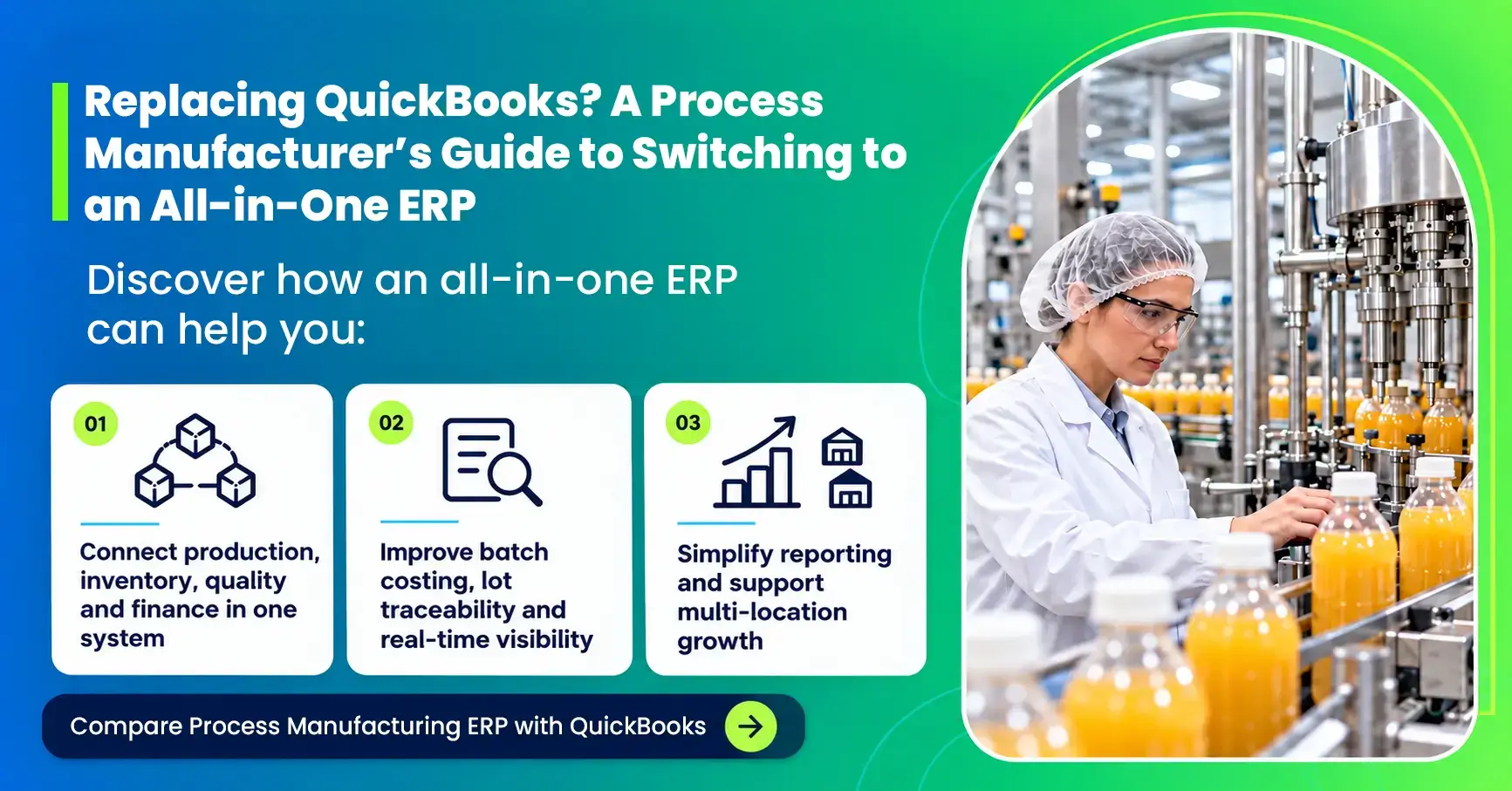

Replacing QuickBooks? A Process Manufacturer’s Guide to Switching to an All-in-One ERP
When most process manufacturers first set up QuickBooks, it handled nearly everything the business needed. Formulas lived in a spreadsheet, inventory fit in one warehouse, and a lot trace meant pulling a few batch sheets. Month-end took a day or two, and the numbers were close enough to run the business.
Growing manufacturers face a very different picture today. Formulas carry versions and scaled variants, every lot brings its own expiry date and potency values, and customers and auditors expect COAs and complete batch records on request. To keep up, most teams have built a patchwork of spreadsheets, add-ons and paper logs around QuickBooks, each holding its own version of the truth.
The strain shows first in traceability. In the United States, tracing affected products during a recall routinely takes several days to weeks, and industry research from the Food Marketing Institute and the Grocery Manufacturers Association has long put the average direct cost of a food recall at $10 million. Before long, it reaches finance too. APQC benchmarking of 2,300 organizations found the median company closes its books in 6.4 days, while the slowest quarter needs 10 days or more. Add a second entity, a new facility or an acquisition, and QuickBooks starts holding growth back.
That’s when replacing QuickBooks with an all-in-one process manufacturing ERP starts to pay off. This guide covers the signals that point to it, what “all-in-one” should mean for a process manufacturer, and how to plan the switch so it delivers what you expect.
Not Sure Whether to Integrate or Replace QuickBooks?
The 2-minute Assessment asks 11 quick questions about your operations, systems and growth plans, and recommends the path that fits your business.
Signs It’s Time to Replace QuickBooks
QuickBooks does more than many people give it credit for. Its Enterprise edition supports assemblies, barcode scanning, bin and multi-location visibility, and manufacturing orders. The limit is in what it was designed to do. QuickBooks handles the accounting side of inventory, while running production on the plant floor is a far more complex job that it doesn’t natively support. For process manufacturers, that gap shows up in eight areas.
| Area | What QuickBooks Offers | What a Growing Process Manufacturer Needs |
|---|---|---|
|
01
Formulas and Recipes
|
Assembly items with a basic bill of materials. | Formula versions, scaling by batch size, potency adjustments, approvals, and full revision history. |
|
02
Production Planning
|
Manufacturing orders based on current stock. | MRP and scheduling around demand, equipment, labor, and ingredient availability. |
|
03
Batch Production and Costing
|
Assembly builds at standard cost. | Batch tickets, actual yields, scrap, co-products, and by-products, with true cost per batch. |
|
04
Inventory
|
Quantities, locations, and basic lot or serial numbers. | Lot attributes like potency and expiry, FEFO allocation, quarantine and holds, and multiple units of measure. |
|
05
Traceability
|
Lot history pieced together from reports. | Forward and backward traces from raw material to customer in minutes. |
|
06
Quality and Compliance
|
No native QC workflows. | Test specs, QC holds and releases, COAs, e-signatures, and audit-ready batch records. |
|
07
Finance and Reporting
|
One company file per entity, two reporting dimensions, and pre-built reports. | Multi-entity consolidation with intercompany elimination, margin by product, customer and plant, and faster close. |
|
08
Sales, CRM and Purchasing
|
Basic sales orders and purchase orders, with CRM through add-ons. | One system where quotes, orders, purchasing, and customer history share the same real-time data. |
Gaps on the production floor alone can often be closed by adding a process manufacturing ERP alongside QuickBooks. Replacing it becomes the right next step when the gaps reach the rest of the business too, such as when:
- Month-end keeps stretching because finance reconciles production, inventory and sales data from different systems
- Multiple entities or locations are consolidated in spreadsheets, with intercompany entries made by hand
- Sales, CRM, purchasing and quality each run on their own tool, and the numbers rarely agree
- Growth plans such as a new facility, an acquisition or international customers bring multi-currency, VAT and approval needs QuickBooks wasn’t built for
Why many QuickBooks Desktop users are reviewing their options now
Intuit has been narrowing its Desktop lineup. Support for QuickBooks Desktop 2023 ended after May 31, 2026, including critical security updates, Desktop prices rose effective February 1, 2026, and Enterprise Gold and Platinum customers now pay a per-employee monthly fee, billed separately for each company file. If a renewal or forced upgrade is coming up, it’s a natural moment to decide whether QuickBooks still fits where the business is headed.
What “All-in-One ERP” Should Mean for a Process Manufacturer
Almost every ERP pitched to QuickBooks users calls itself all-in-one. Most are general-purpose systems whose manufacturing features were built for discrete production, where parts are assembled from fixed bills of materials. Process manufacturers work with formulas, batches and ingredients that change from one lot to the next. When a general-purpose ERP doesn’t fit that reality, the spreadsheets and workarounds simply move into the new system, often with costly customization on top.
For a process manufacturer, one ERP system should cover:
- Finance, including multi-entity consolidation, flexible reporting and a faster close
- Sales and CRM, from quotes and orders to customer history and pricing
- Purchasing, driven by real production demand and supplier lot data
- Formulation, with versions, scaling, potency adjustments and approvals
- Planning and production, from MRP and scheduling to batch execution and actual costing
- Inventory and warehouse, with lot attributes, FEFO, holds and barcode scanning
- Quality and compliance, from test specs and QC release to COAs, bi-directional traceability, and audit-ready records
- Reporting and analytics, with every team working from the same real-time data
Here’s where the difference between a general-purpose ERP and one built for process manufacturing shows up day to day.
| Feature | General-purpose ERP | Process manufacturing ERP |
|---|---|---|
| How products are defined | Bills of materials with fixed quantities | Formulas with percentages, versions and approvals |
| Changing batch size | Manual recalculation or custom logic | Formulas scale automatically to any batch size |
| Ingredient variability | Every unit of an item treated the same | Potency and other lot attributes adjust the formula |
| Production outputs | One finished item per order | Co-products, by-products, yield and scrap captured per batch |
| Inventory rotation | FIFO by default | FEFO based on expiry, with quarantine and holds |
| Quality | Add-on or custom build | QC tests, holds, releases and COAs built in |
| Traceability | Basic lot history | Forward and backward traces from supplier to customer in minutes |
| Costing | Standard cost per assembly | Actual cost per batch, including yield and scrap |
How an All-in-One ERP Works Day to Day
In an all-in-one process manufacturing ERP, every department works in the same system, so each transaction updates operations and the books at the same time. Here’s what that looks like for a single order:

That single order touches almost every team in the business. Here’s how each one’s day changes when they move from QuickBooks and separate tools to one system.
| Team | With QuickBooks and separate tools | With one system |
|---|---|---|
| Finance | Reconciles production, inventory and sales data before every close | Closes faster with actual costs already in the books |
| Sales and customer service | Checks with the warehouse before promising a date | Promises dates based on real-time stock, shelf life and production plans |
| Purchasing | Orders from manual counts and spreadsheets | Buys based on real production demand |
| Production and planning | Schedules on whiteboards and recalculates formulas by hand | Plans around demand, capacity and ingredient availability |
| Quality | Keeps QC results and batch records on paper | Releases lots, generates COAs and stays audit-ready in the same system |
| Warehouse | Tracks lots and expiry dates outside the books | Picks by FEFO with every movement recorded |
| Leadership | Waits for reports pieced together from exports | Sees margins by product, customer and plant in real time |
The result is fewer systems to maintain. QuickBooks, the formula spreadsheets, the inventory add-on, the separate CRM and the paper batch records all give way to one source of truth.
Customer Spotlight: How Richard’s Paint Moved Off QuickBooks to One System
Richard’s Paint has manufactured premium paints and coatings in Rockledge, Florida, for more than 70 years, serving customers across the United States, Canada, the Caribbean and parts of Europe. The company manages thousands of SKUs, complex formulations and a growing private-label business.
What triggered the change
- Production and formulas ran in one system, accounting in QuickBooks, sales orders in a separate program, and CRM in yet another
- Pulling numbers together for decisions was slow and difficult. As CEO Aaron Dhawan put it, “We had a black hole of data.”
- Tracing private-label products back to their base formulas was cumbersome
- Evolving labeling and VOC regulations needed stronger controls than manual checks
What they needed
- One system covering purchasing, production, inventory, sales, CRM and finance
- Profit and loss tied directly to customers, product lines and private-label brands
- End-to-end traceability and built-in compliance safeguards
Richard’s Paint replaced QuickBooks and its separate tools with BatchMaster ERP and went live in December 2023.
The results
- Data flows from purchasing through production, inventory, sales and accounting with no rekeying between systems
- The material usage report that once took over an hour now runs in 20 seconds
- P&L is now visible by customer, product line and private-label brand, guiding product rationalization and batch size decisions
- Raw materials trace by vendor lot number all the way to finished goods delivered to specific customers
- Automated safeguards stop non-compliant products from being sold into restricted regions
- Bin mapping tracks the location of every SKU, streamlining picking and replenishment
Aaron Dhawan, CEO of Richard’s Paint, on what drove the switch from QuickBooks and separate tools to BatchMaster ERP, and how it changed the business.
Common Traps to Avoid When Replacing QuickBooks
Replacing QuickBooks is a bigger project than adding a system alongside it, and how it’s run matters as much as the software you choose. In a Panorama Consulting survey, only 35% of companies finished their most recent ERP implementation on budget, and the most common reason for overruns was expanded project scope. Most of those problems trace back to a handful of avoidable traps.
- Rebuilding old habits in a new system. Use the switch to rethink how work gets done, or the new ERP will simply recreate your old spreadsheets.
- Skipping data cleanup. Standardize item numbers, retire unused accounts and classify products before migrating, because messy data in QuickBooks becomes messy data in the ERP.
- Letting scope grow mid-project. Agree on what goes live first and phase the rest, which keeps budget and timeline under control.
- Choosing a system that needs heavy customization. Every custom build adds cost now and complexity at every upgrade.
- Cutting over without a safety net. Run both systems in parallel briefly, reconcile until the numbers match, and go live at a month or quarter end.
- Measuring the go-live instead of the results. Set targets before you start, such as days to close, time to complete a trace and inventory accuracy, and track them after launch.
Richard’s Paint followed the same playbook. Its leadership cleaned up product numbering, mapped current and future workflows department by department, and classified products by properties before go-live. As CEO Aaron Dhawan advises other manufacturers, the point is to change how you operate, not plug in new software and keep running the business the way you do today.
Aaron Dhawan, CEO of Richard’s Paint, shares what to get right before moving to an all-in-one ERP.
Why BatchMaster ERP Is the Better QuickBooks Replacement
BatchMaster ERP is an AI-powered, industry-specific, all-in-one ERP built only for small and mid-market formula-based manufacturers in food and beverage, nutraceuticals, pharmaceuticals, chemicals, paints and coatings, and personal care industries. Finance, sales, CRM, purchasing, formulation, planning, production, inventory, quality and compliance all run in one system, so there’s nothing to sync and reconcile.
What sets it apart
- Built for process manufacturing from day one. Formula scaling, potency adjustments, co-products, FEFO, QC release, COAs and forward and backward traceability are standard, not custom builds.
- AI embedded in everyday work. Product developers describe goals, ingredients and constraints in plain language, and AI generates formulas with manufacturing instructions and nutrition labels, then refines them for cost, sensory or regulatory needs. AI-driven sales forecasting turns historical sales into demand projections that feed directly into production planning, inventory and purchasing. Ask BME, a built-in AI assistant, answers user questions instantly and links to tutorials and guides, which speeds up onboarding.
- A modern cloud experience. A clean, configurable interface, embedded Power BI dashboards and built-in reporting give every team real-time insight without exporting data.
- Finance built for growth. Multi-currency transactions with automatic exchange rate updates, AP/AR automation and flexible reporting support multi-entity and international operations.
- An implementation team that knows your industry. Workflows, data structure and regulatory safeguards are configured by people who understand process manufacturing, which keeps projects focused and customization low.
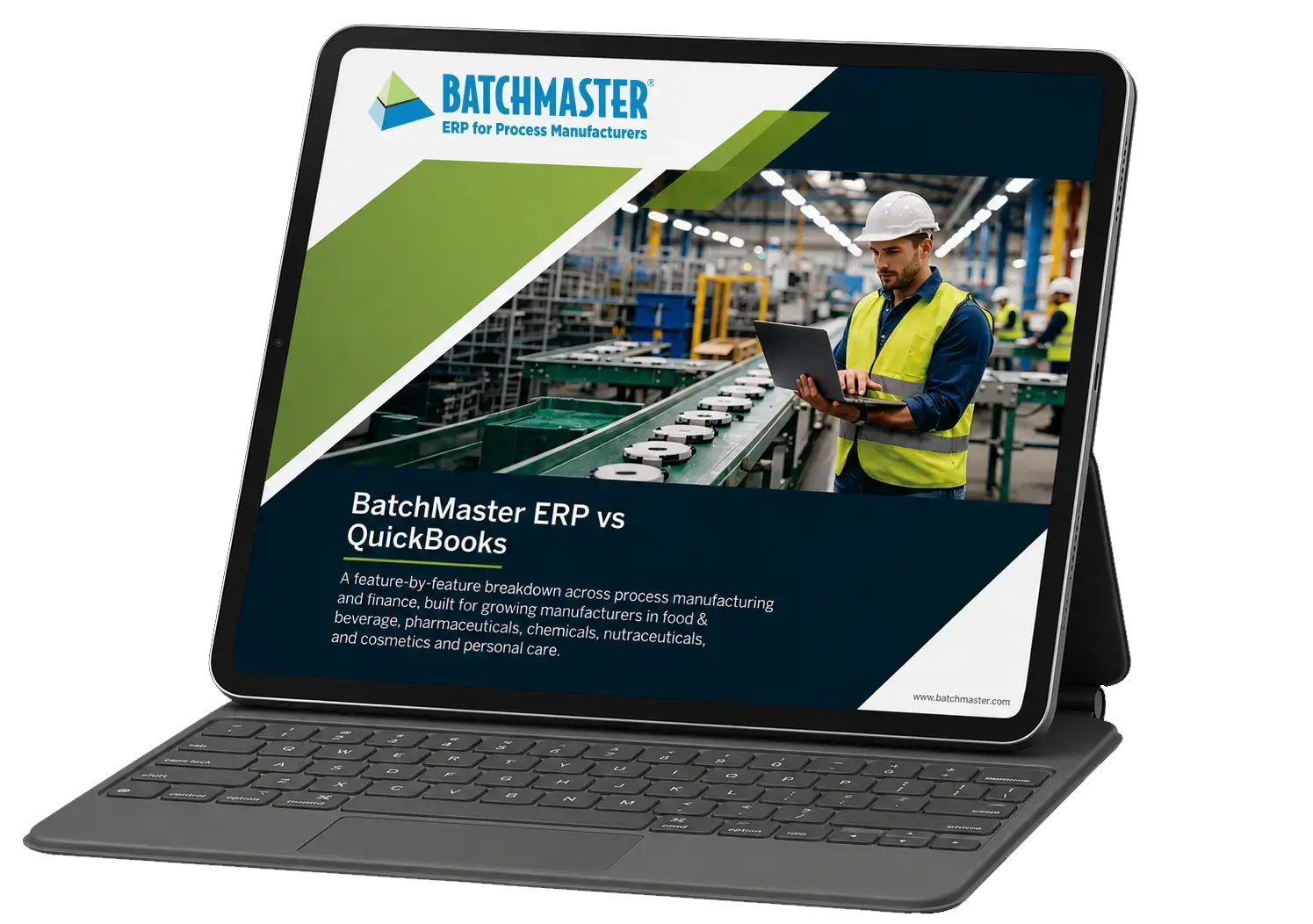
BatchMaster ERP vs. QuickBooks, Side by Side
A feature-by-feature breakdown of 50+ capabilities that growing process manufacturers need.
Ready to Move Beyond QuickBooks?
Replacing QuickBooks is a significant decision, and for growing process manufacturers it’s often the step that turns scattered data into one clear view of the business. The right all-in-one ERP gives every team the same real-time numbers, from the first formula to the final invoice, and removes the ceiling QuickBooks places on growth. Choose a system built for how process plants actually run, plan the switch carefully, and you’ll gain the visibility and control to keep growing.
Talk to a Specialist to know more about migration and implementation timelines and cost.