QuickBooks is the accounting system many process manufacturers start with because it is affordable, easy to set up, and reliable for managing day-to-day finances. As the business grows, operations become more complex, with more formulas to manage, more lots to track, more SKUs in the warehouse, and more customers asking for documentation such as Certificates of Analysis.
To keep up, teams often build workarounds around QuickBooks, using spreadsheets for lot tracking and batch costing or adding separate tools for inventory and production. Over time, these workarounds lead to manual data entry, slower month-end closes, and decisions made on information that is already out of date. According to Capterra’s 2026 Manufacturing Software Buyer Insights Report, 58% of manufacturers run their operations on software that was never designed for production.
In this article, we look at when process manufacturers typically realize they have outgrown QuickBooks, the signs to watch for, the hidden costs of staying with it, and the options available to move forward.
When Do Process Manufacturers Realize They’ve Outgrown QuickBooks?
For most process manufacturers, the need for a new system becomes clear during everyday operations, usually when a routine request takes far more time and effort than it should. Some of the most common situations include:
- A customer or auditor asks for a lot trace, and the team spends hours pulling records from spreadsheets, emails, and paper batch tickets to provide an answer.
- Preparing for a third-party audit such as SQF, organic, or kosher certification takes the quality team away from their regular work for days at a time.
- A batch ticket goes to the floor before anyone confirms that the ingredients are in stock, unexpired, and stored where the system says they are.
- The company launches a new product line or adds a second facility, and the number of formulas, SKUs, and inventory locations quickly grows beyond what spreadsheets can manage accurately.
- A customer requests a Certificate of Analysis with every order, and the team has to put these documents together manually each time.
- Month-end close stretches from a few days to more than a week because production activity has to be reconciled against the general ledger by hand.
- Leadership asks what a batch actually cost or which products are the most profitable, and the answer takes days of exporting and merging data in Excel.
We’ve heard similar stories from many of our customers. One growing food manufacturer told us that rapid growth had made it difficult to keep lot numbers, expiration dates, and on-hand inventory accurate, and that the time needed to meet third-party audit demands had started to affect the business. Another customer, a flavor manufacturer running QuickBooks Online alongside three separate applications, shared that plant workers could not always locate raw materials and that expired ingredients had to be retested before use, which added labor and delays to production.
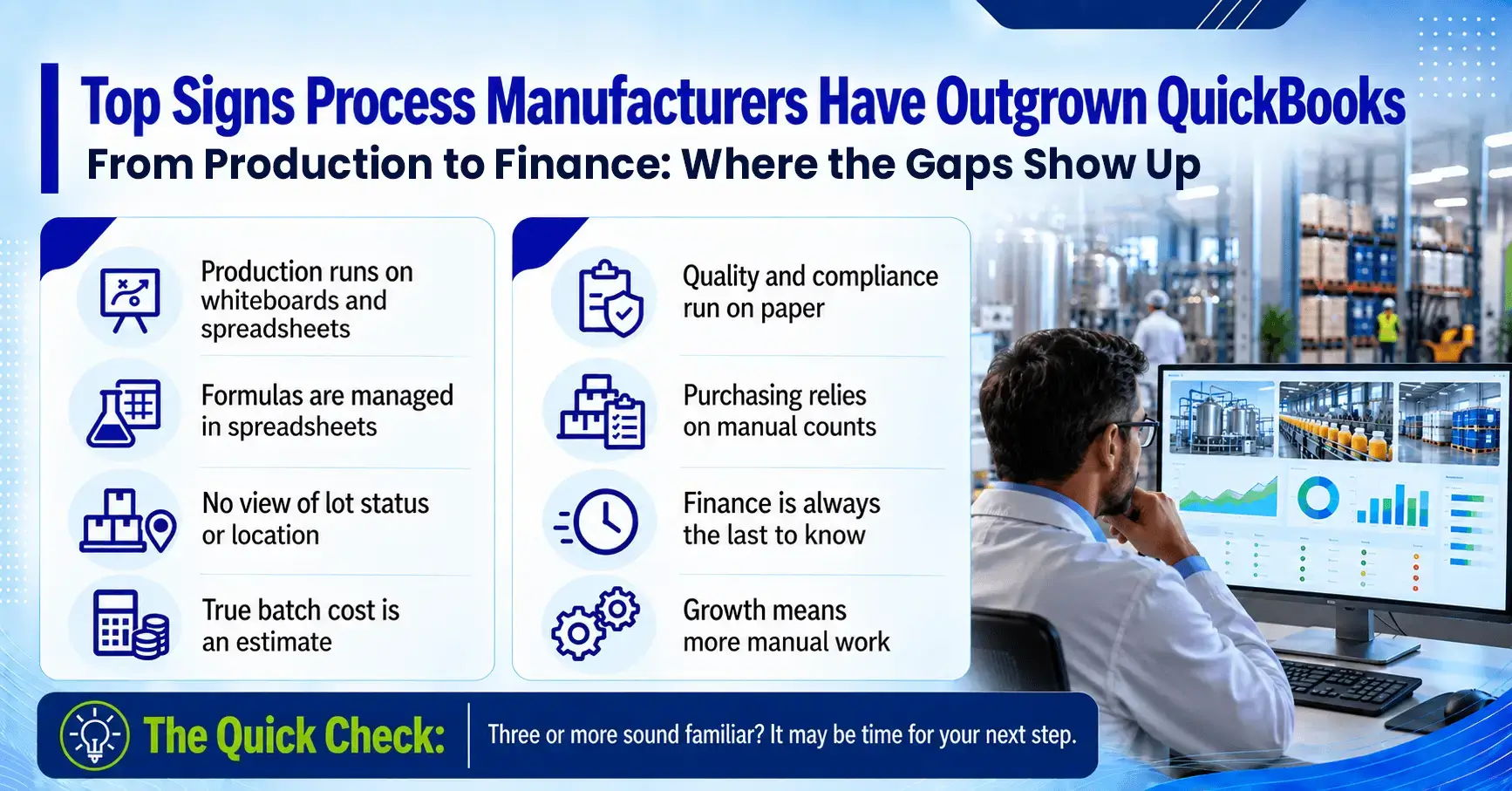
8 Signs Process Manufacturers Have Outgrown QuickBooks
Beyond these everyday situations, there are clear signs that show when your operations need more than QuickBooks can offer. Here are eight of the most common ones we see among process manufacturers.
1. Production runs on whiteboards and spreadsheets
QuickBooks has no production orders, batch management, or view of work in progress, so production schedules and batch tickets are usually managed on whiteboards, spreadsheets, and paper. Batch tickets are often created without checking whether the required ingredients are available, which leads to last-minute changes, delays, and limited visibility into what is actually happening on the floor.
2. Formulas are managed in spreadsheets
QuickBooks Enterprise supports basic bills of materials and assemblies, which work well for fixed recipes. Process manufacturers need to scale formulas by batch size, manage multiple formula versions, substitute ingredients, and control approvals, so formulation data ends up in spreadsheets that are difficult to secure and keep current as the product line grows.
3. You can’t see lot status or location across your inventory
QuickBooks shows how much of an ingredient is on hand. Process manufacturers also need to know whether each lot is available, allocated to a batch, on quality hold, or approaching its expiration date, and where it is stored across warehouses and bins. Ingredients are also bought, stored, used, and sold in different units of measure, and when those conversions are handled manually, quantities and costs gradually drift out of alignment.
4. Your true batch cost is an estimate
Actual batch costs change with yield, scrap, rework, labor, and overhead. QuickBooks relies on average or FIFO costing and does not capture these variances at the batch or lot level, so the margins in your financial reports can differ significantly from what each product really costs to make.
5. Quality and compliance run on paper
Incoming inspections, in-process tests, quality holds, and lot releases are critical steps in process manufacturing, along with documentation such as batch records, Certificates of Analysis, Safety Data Sheets, and allergen information. QuickBooks has no built-in support for quality workflows or regulatory requirements such as FDA, GMP, or GFSI standards, so teams manage them on paper forms and spreadsheets, which makes them harder to enforce consistently and to document when an auditor or customer asks.
6. Purchasing relies on experience and manual counts
Without material requirements planning (MRP) and production scheduling, buyers decide what to order based on experience, manual counts, and reorder points. This often leads to stockouts that delay production, or to excess inventory that ties up cash and risks expiring on the shelf.
7. QuickBooks sits at the center of disconnected tools, so finance is always the last to know
To cover inventory, production, and quality, many manufacturers add separate apps and spreadsheets around QuickBooks. Batch completions, lot movements, and quality holds reach the books only after someone enters or imports them, sometimes days later, so finance, production, and the warehouse end up making decisions based on different numbers.
8. Growth means more manual work
Adding a new facility, business unit, or legal entity creates more work outside the system. In QuickBooks, each entity typically needs its own company file, and consolidated reporting often depends on spreadsheets or add-on tools. User limits add another constraint, with QuickBooks Online Advanced supporting up to 25 users and QuickBooks Enterprise up to 40, which can become restrictive as production, quality, and warehouse teams need access.
If three or more of these signs describe your operation, it may be time to take a closer look at how well your current systems support the business today and where it is headed.
Our free eBook compares QuickBooks alone, QuickBooks with add-on tools, and a process manufacturing ERP area by area, and shows how these gaps affect each team, from finance and production to quality and purchasing, along with how other manufacturers have addressed them.
Download the eBookWhere QuickBooks Falls Short in Process Manufacturing Scenarios
QuickBooks, especially QuickBooks Enterprise with Advanced Inventory, includes useful features such as assemblies, lot numbers, and unit of measure sets. The table below shows how everyday process manufacturing scenarios compare with what those features were designed to support.
| Scenario | What your operation needs | How it works in QuickBooks |
| Scaling a 100-gallon formula to a 1,000-gallon batch | Ingredient quantities scale automatically, with yield adjustments and rounding rules applied | Quantities are recalculated by hand in a spreadsheet or by editing the assembly |
| Placing a batch on quality hold | The lot is blocked from picking, shipping, and production use until quality releases it | There is no hold status, so teams rely on labels, spreadsheets, or verbal instructions |
| Costing a batch that lost 3% to yield | The actual cost of each batch reflects yield, scrap, labor, and overhead | Items carry an average or FIFO cost, and variances are adjusted manually at month-end |
| Buying in drums, storing in pounds, using by volume, and selling in cases | Conversions happen automatically across purchasing, inventory, production, and sales, including weight-to-volume conversions based on density | Unit of measure sets cover simple conversions, while density-based conversions are calculated manually |
| Tracing a lot during a recall | A forward and backward trace, from supplier lot to customer shipment, completed in minutes | Lot numbers are recorded on transactions, and following them through production to customers requires manual reports and spreadsheets |
| Sending a Certificate of Analysis with a shipment | The COA is generated from the test results for that specific lot | The COA is put together manually in Word or Excel |
The Hidden Cost of Staying on QuickBooks
Staying with QuickBooks often feels like the safer and lower-cost choice, since the system is familiar and there is no new software to implement. The workarounds that keep operations running, however, carry costs that rarely appear as a single line item, and they grow along with the business.
- Labor spent on workarounds. Every week, skilled people spend hours re-entering data, reconciling spreadsheets, and preparing audit documents. As the business adds products and locations, headcount tends to grow with that complexity, even when production output stays the same.
- Margin leakage. When yield loss, scrap, and overhead never reach the cost of each batch, pricing decisions are made on incomplete numbers, and unprofitable products or customers can go unnoticed for months.
- Compliance and customer risk. A slow lot trace or incomplete audit record can put certifications, retail accounts, and market access at risk. For food manufacturers handling products on the FDA’s Food Traceability List, FSMA Rule 204 will require traceability records within 24 hours of a request once the compliance date arrives on July 20, 2028.
- Slower decisions. APQC benchmarking data shows a median month-end close cycle of 6.4 days, compared with 4.8 days for top performers. Every extra day means leadership is working from last month’s numbers.
The larger cost is often the capability a business cannot access. Modern process manufacturing ERP systems include industry-specific workflows out of the box, such as electronic batch manufacturing records (BMR), manufacturing execution (MES) features like digital batch tickets and shop floor data capture, specification and formula management, and built-in quality and regulatory workflows. Many also apply AI across the business, from generating formulas and forecasting demand to supporting production planning and answering user questions through built-in assistants. All of these depend on clean, connected data, which is difficult to achieve when information is spread across QuickBooks, spreadsheets, and separate tools.

“We couldn’t calculate key metrics with QuickBooks, like how much raw material was used at any given time. Decision-making was complex due to the lack of precise data, and manual calculations for production processes were time-consuming and prone to error.”
Choosing the Right Path Forward
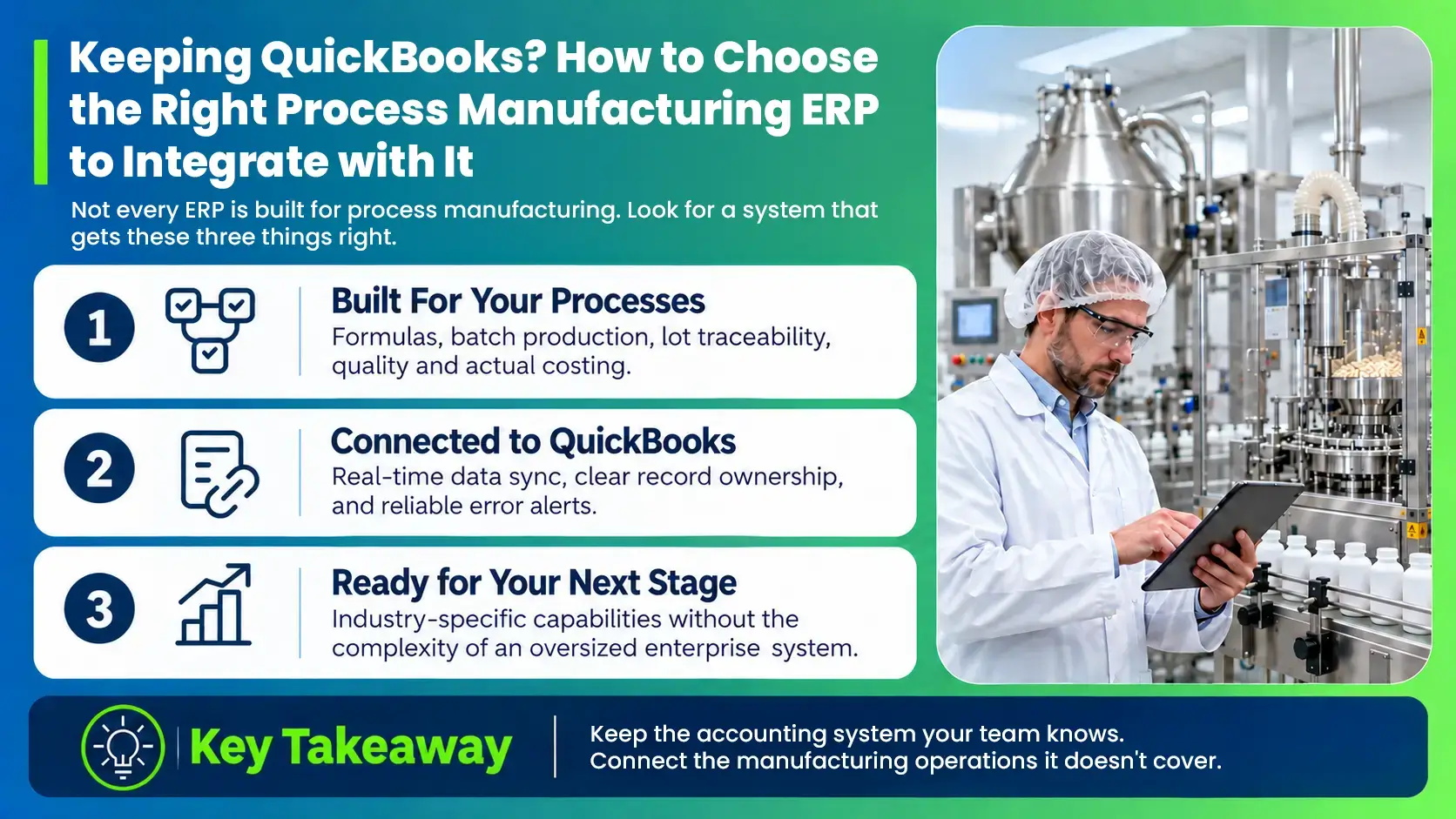
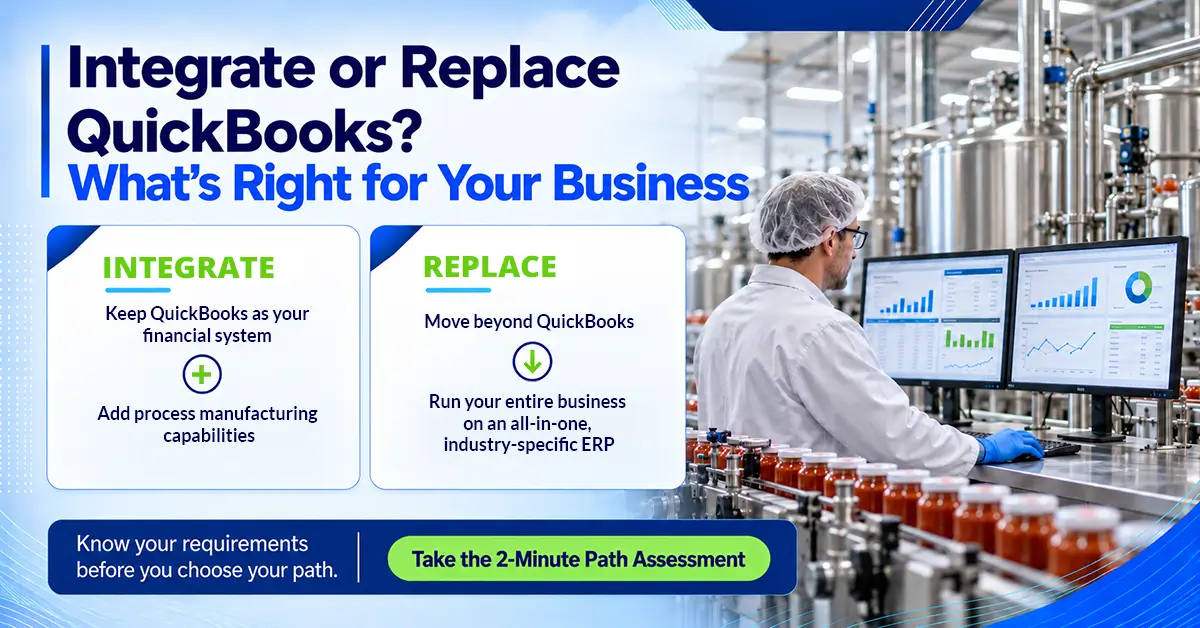
Process manufacturers typically move forward in one of two ways. Some keep QuickBooks for accounting and add a process manufacturing ERP that integrates with it, managing formulas, production, inventory, quality, and compliance while financial data syncs in real time. Others move to a single process manufacturing ERP that brings finance and operations together in one platform. The right path depends on your specific business requirements, how your operations run today, and where you plan to take the business in the years ahead.
Download our free eBook, Outgrowing QuickBooks: A Process Manufacturer’s Guide to Choosing the Right Next Step, to explore both paths in detail and see which gaps matter most for your operation.
Download the eBook