Integrate or Replace QuickBooks? What’s Right for Your Business
Getting that decision right matters more than most teams expect. Capterra’s 2026 Software Buying Trends Report found that only 34% of software buyers end up as successful adopters, while 66% run into unexpected disruption, regret or both. Integration problems and data migration issues are among the most common triggers. The buyers who succeed tend to do one thing differently: 62% define their must-have requirements and budget early, compared with 48% of disappointed buyers.
Last week, our guide Outgrowing QuickBooks walked through the signs that a process manufacturer has outgrown QuickBooks and the patchwork of tools built around it. If those signs sounded familiar, the bigger question now is what to do about them.
When the fit is right, the payoff shows up quickly. In an analysis of 70 small manufacturer ERP implementations, 82% reported better inventory accuracy and 81% saw less administrative work.
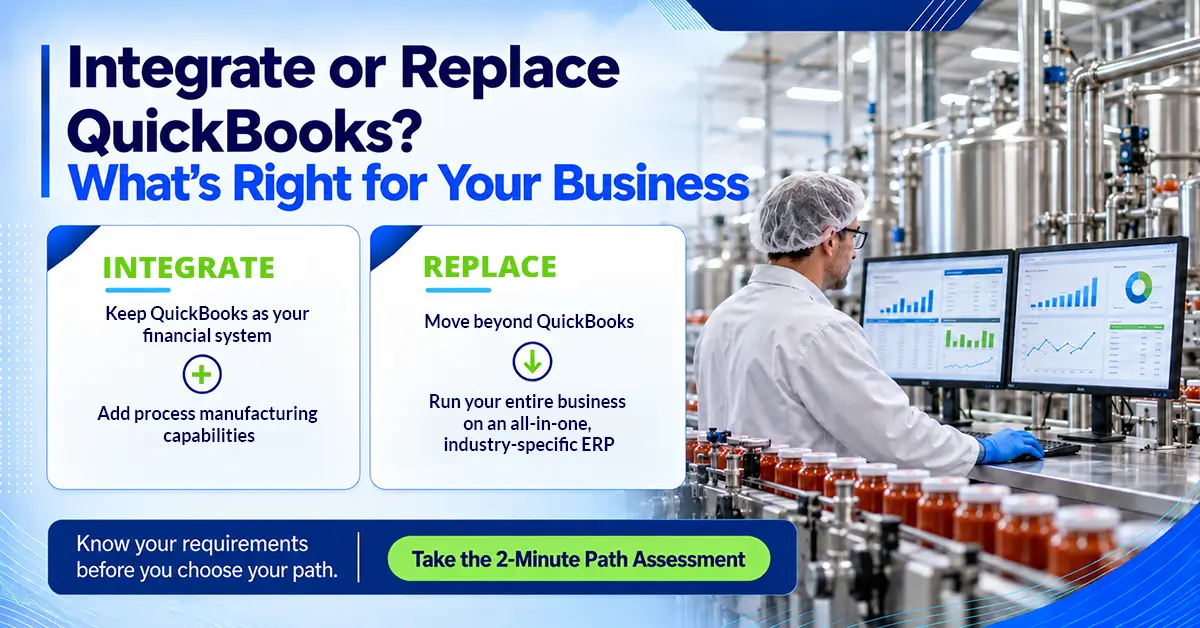
For most process manufacturers, the choice comes down to two paths: keep QuickBooks and integrate it with a process manufacturing ERP, or replace it with an all-in-one business management suite. The right one depends on where your pain sits today, how many systems your team juggles and where the business is headed. This article walks through both, so you can settle your requirements before you talk to a single vendor.
Two Ways to Close the QuickBooks Gap
Both paths solve the same core problem. QuickBooks was built to manage accounting, while a growing process manufacturer also needs a system built around formulas, batches, lots and compliance. The difference lies in how much of your current setup changes and how far each option can stretch as the business grows.
Integration adds manufacturing depth without disrupting your finance team, while replacement gives every department one platform to grow on.
Path 1: Integrate QuickBooks with a Process Manufacturing ERP
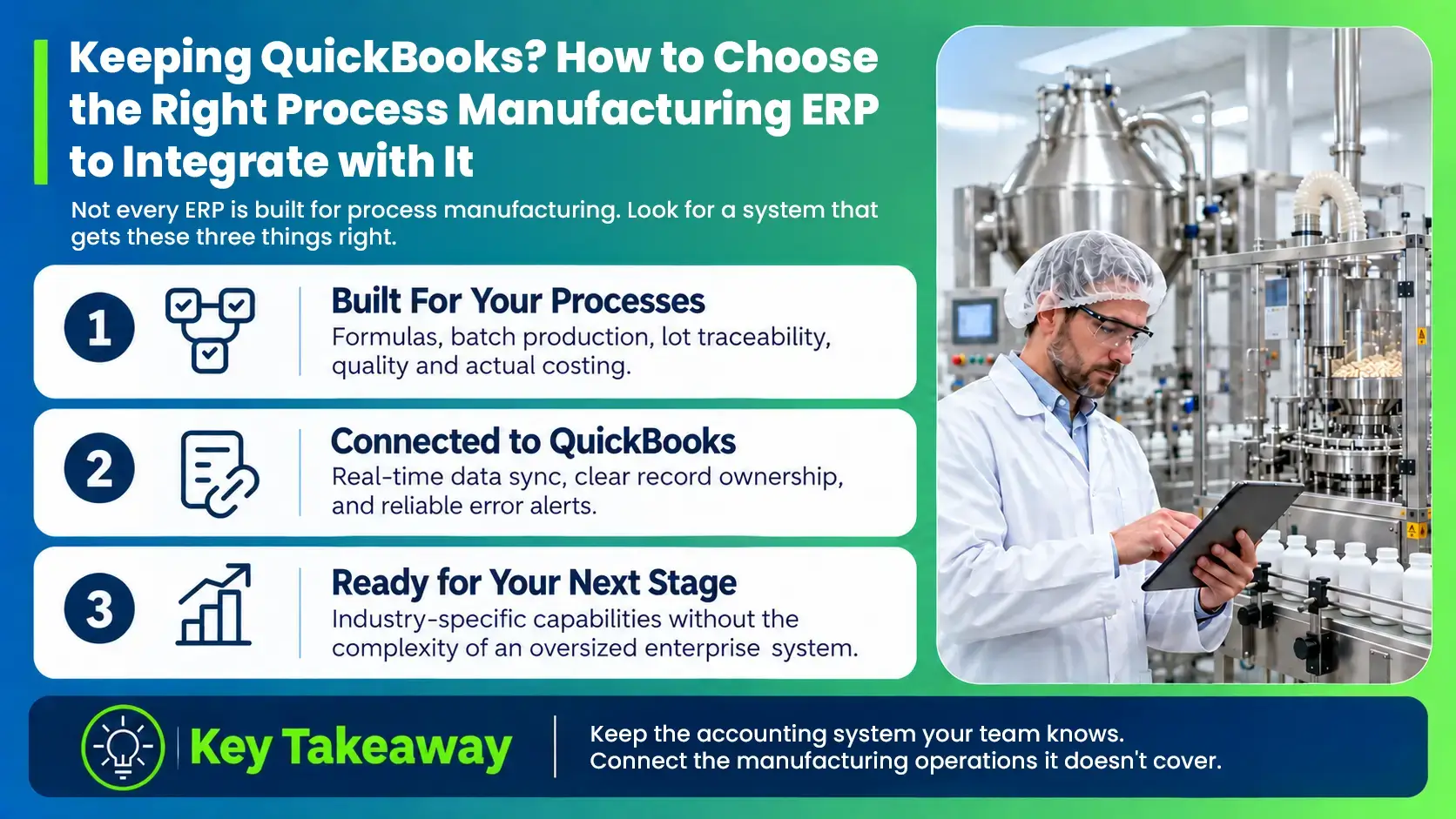
With integration, QuickBooks stays your accounting system, and an industry-specific process manufacturing ERP runs everything from raw material receipt to finished goods shipment, including formulas, batches, lot tracking, quality and compliance. Production activity syncs into QuickBooks automatically, so finance keeps working the way it does today with far better data flowing in.
Want to see how this works day to day?
Our QuickBooks Edition brochure shows how production, quality and inventory data flow straight into QuickBooks.
Get the QuickBooks Edition BrochureThis path tends to fit manufacturers with a simple finance setup whose biggest gaps sit on the production floor, in quality or in the warehouse. It’s usually the faster route to value with the least disruption. The trade-off is that QuickBooks limits still apply on the finance side, so integration works best when those limits aren’t holding you back.
Defining must-haves early is exactly how Tea Aroma, a tea and coffee producer in California, approached its search. Before evaluating a single vendor, the team set three non-negotiables for its next ERP, and keeping QuickBooks was one of them.
Path 2: Replace QuickBooks with a Complete Business Management Suite
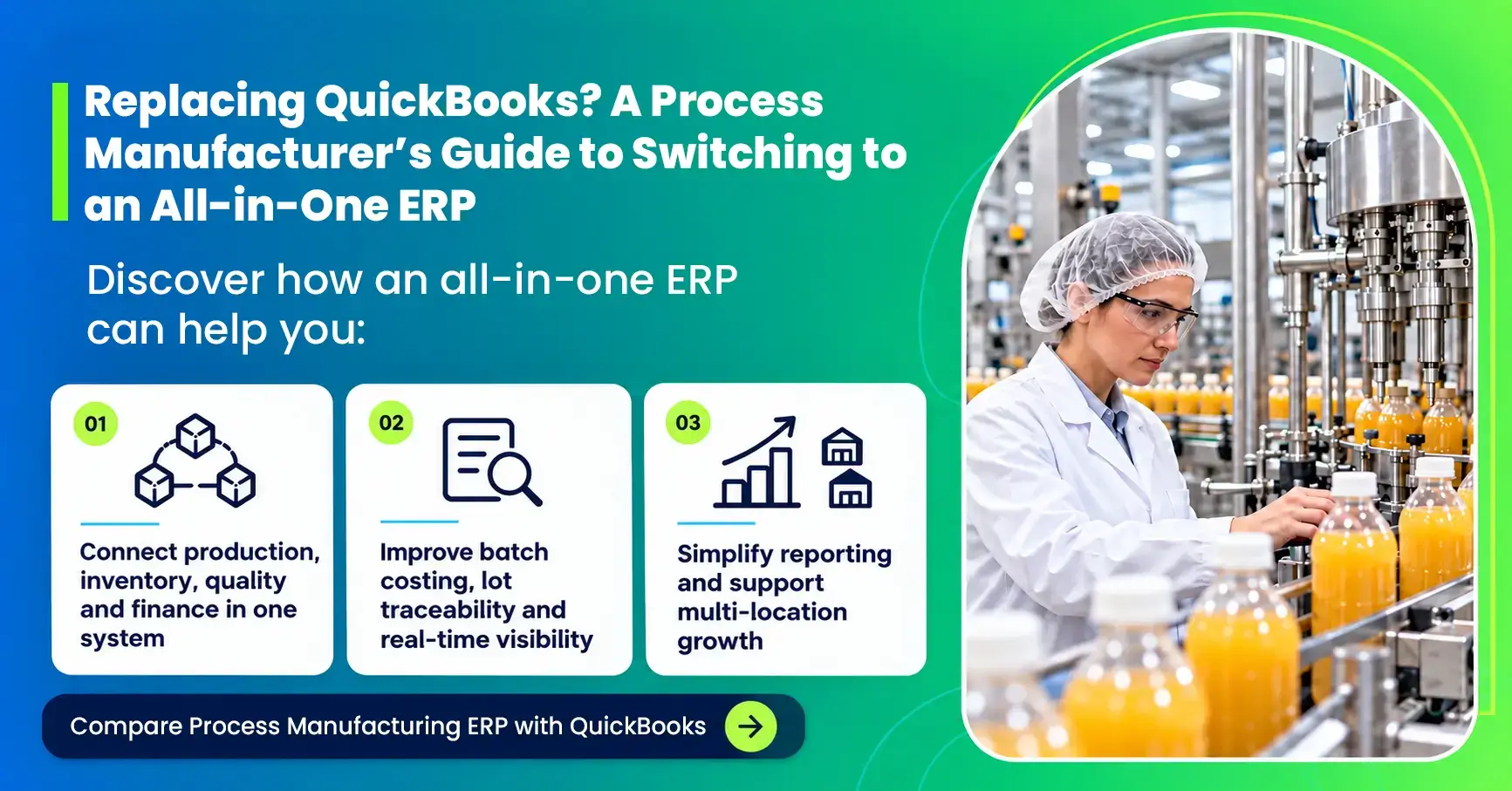
With replacement, a single industry-specific business management suite runs your entire business. Finance, sales, CRM and purchasing sit in the same system as formulas, batches, lot tracking, inventory, quality and compliance. In place of QuickBooks and a stack of separate tools, you get one business management suite where every team works from the same real-time data, with nothing to sync or reconcile between systems.
This path tends to fit manufacturers whose gaps reach into finance as well as operations, such as running multiple entities or locations, needing deeper reporting than QuickBooks offers, or juggling separate tools for CRM, sales, purchasing and reporting that no longer agree with each other. It involves more change up front, since every team moves to a new platform, but it removes the limits QuickBooks places on growth.
Richard’s Paint, an architectural coatings manufacturer in Florida, reached that point when the numbers it needed to run the business were spread across too many systems. Their CEO explains what that looked like, and what changed after moving to one end-to-end ERP.
Which Path Fits Your Business?
Choosing between the two paths comes down to how your business runs today and where it’s headed. Use the signals below as a quick gut check. Most manufacturers see themselves in both columns, so the goal is to spot where the balance tips rather than count rows.
Not sure where you land?
The Path Assessment weighs your answers to these same questions and recommends the path that fits where your business is today.
Mistakes to Avoid, Whichever Path You Choose
Both paths can deliver real results, but a few common missteps slow projects down or leave manufacturers facing the same problems a few years later.
- Patching the gap with another add-on. Generic inventory or MRP add-ons may fix one problem, but they rarely handle formulas, lot attributes and quality together, and each one adds another integration to maintain.
- Choosing an ERP built for discrete manufacturing. Systems designed around fixed bills of materials struggle with formula scaling, potency, yield and lot variability, which sit at the heart of how process plants run.
- Comparing license prices alone. The true cost includes implementation, the integrations you’ll keep maintaining and the manual work a weak fit leaves behind.
- Matching the wrong path to the problem. Replacing QuickBooks when the pain sits only on the plant floor adds disruption without much payoff, while integrating when you already juggle several deeply embedded systems can leave the real problem in place.
- Waiting for a trigger event. A recall, a failed audit or a major customer’s new requirement forces a rushed decision on someone else’s timeline.
- Leaving key teams out of the evaluation. Production, quality, warehouse and finance each feel the gaps differently, and a decision made by one department often misses what the others need.
Most of these come back to the habit successful buyers share, which is, defining what the business needs before evaluating vendors.
How BatchMaster ERP Supports Both Paths
Most ERP vendors are built around one path, so their advice tends to point you toward it. BatchMaster supports both, which means the conversation starts with what your business needs.

Integrate
BatchMaster ERP works alongside QuickBooks, adding formula management, production planning, batch execution, inventory, quality and compliance while finance keeps working in QuickBooks.
- ✓ Formula & recipe management
- ✓ Production planning & batch execution
- ✓ Inventory, quality & compliance
- ✓ Keep finance running in QuickBooks

Replace
BatchMaster ERP runs as an all-in-one business management suite, bringing finance, sales, CRM, purchasing and manufacturing into a single system.
- ✓ Finance & accounting
- ✓ Sales, CRM & purchasing
- ✓ Manufacturing & operations
- ✓ One connected business management system
Either way, you get an industry-specific, AI-powered ERP built for formula-based manufacturers in food and beverage, nutraceuticals, pharmaceuticals, chemicals, coatings and personal care.
Integrate or Replace QuickBooks? Get Your Answer
Whichever way you lean, the decision gets easier once you know where your business stands today. In about two minutes, the Path Assessment gives you a recommended path plus resources for your next step, so you can walk into vendor conversations with clear requirements in hand.